A quickstart guide that includes step by step instructions on how to set up the Telnyx SIM. See Telnyx guidance and requirements.
Step by Step to Setting up a Telnyx SIM
You can order your Telnyx SIM here. Once you have ordered your SIM card, please allow 3-5 business days for delivery.
After receiving your SIM card
Once you have received your SIM card, follow these simple steps below to register and set up your SIM card to start using data.
-
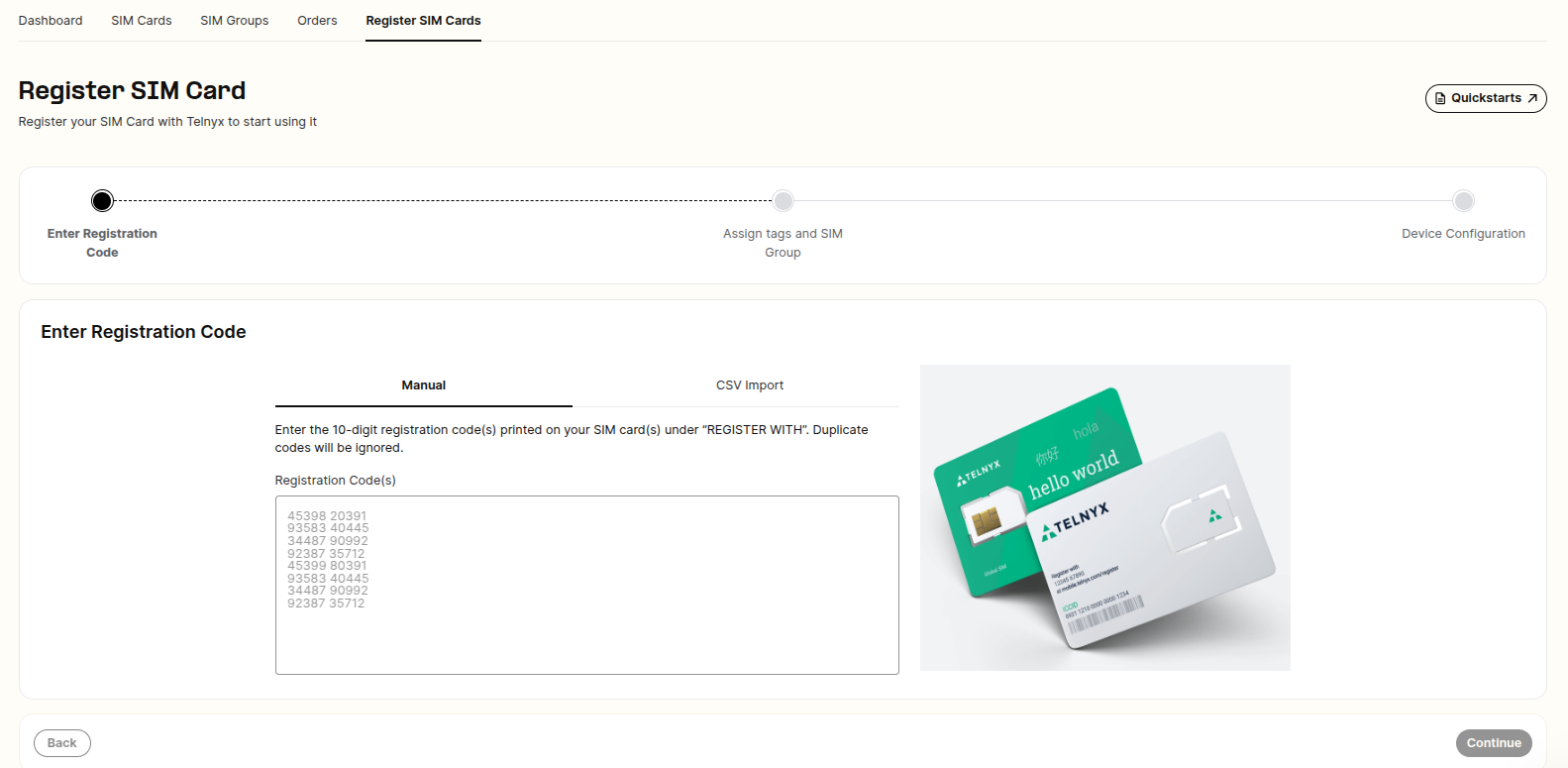
Go to our SIM registration page.
-
Type in the 10-digit registration code located on your SIM card.
-
Click Register SIM.
-
Now let's set up your device. Insert the SIM card into your device and configure the APN to the following: Name: Telnyx APN: data00.telnyx Leave all other fields unmodified even if it's blank and save this new APN.
-
Finally, enable data roaming on your device and you are good to go!
Some devices may require you to reboot in order for the changes to take effect.