Global IP & Edge Routing

Step by step process on how to get started with Telnyx Networking via procurement of Global IPs and setting up Global… See Telnyx guidance and requirements.

Setting up Networking for Global Edge Routing

NOTE: Please note that Global IP for customers is currently disabled. At present there are no plans to re-enable it in the near future. Step 1. Create a Network
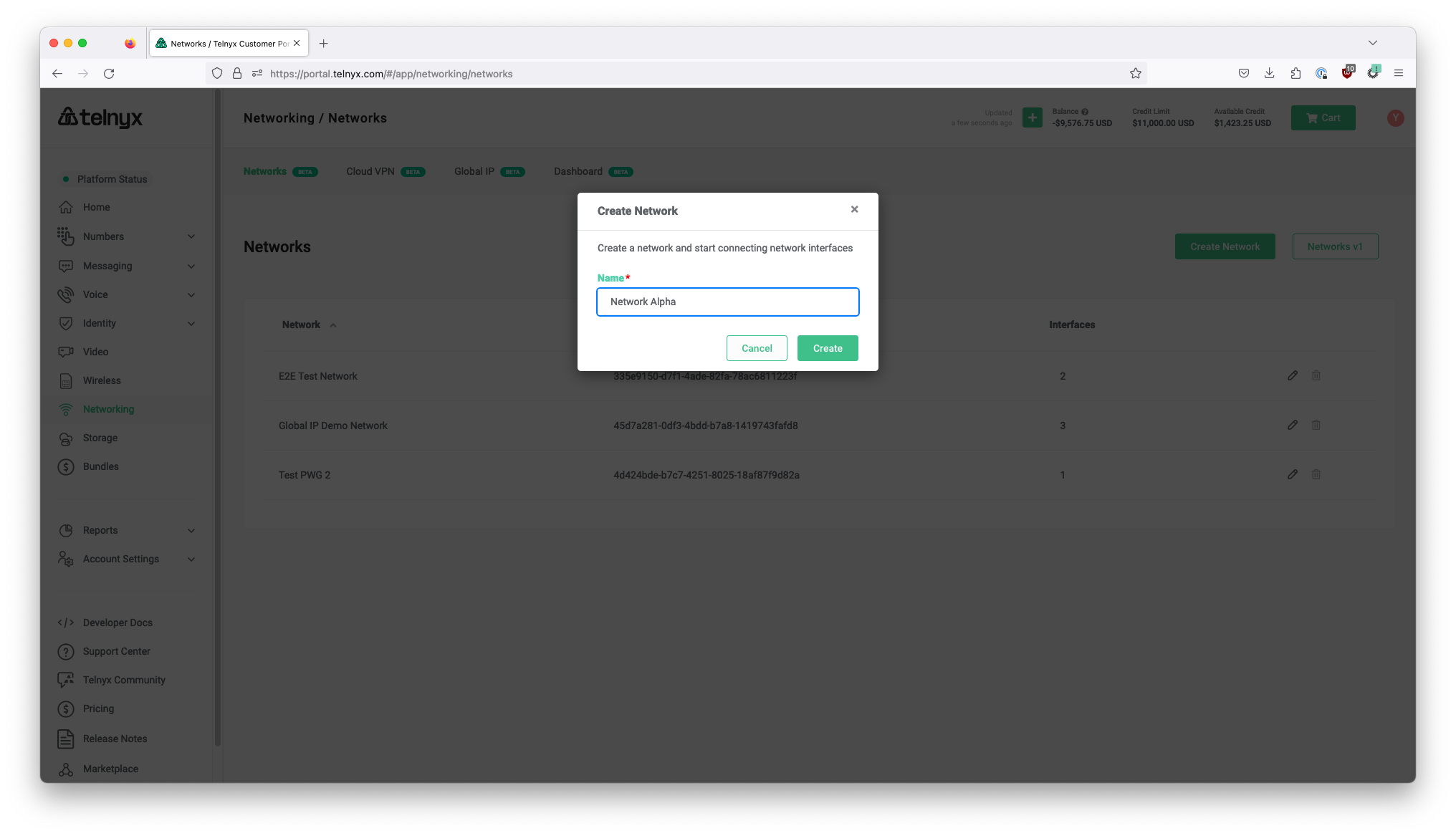
Network creation settings section.

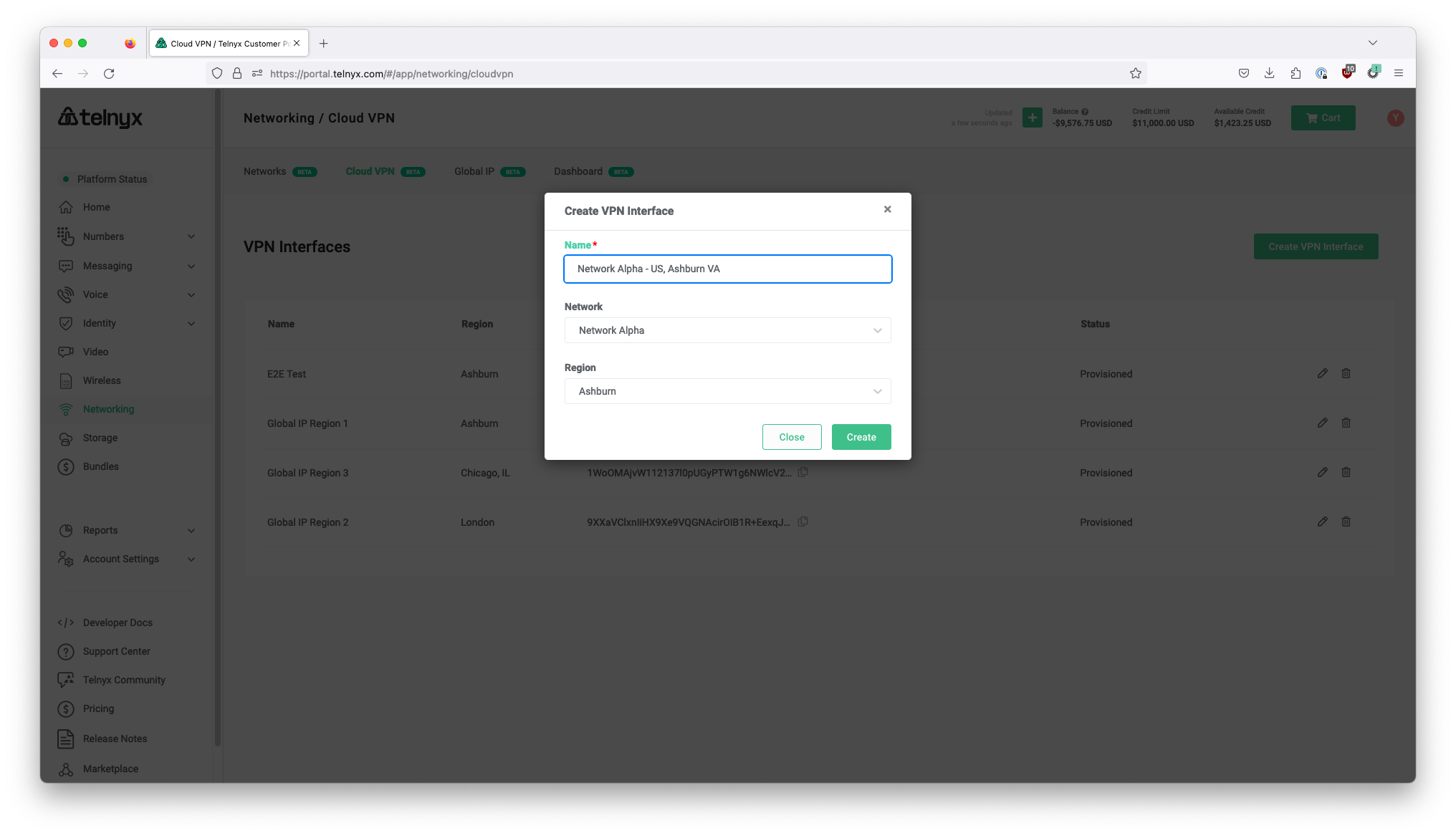
Step 2. Create a WireGuard Interface

Wireguard interface section.

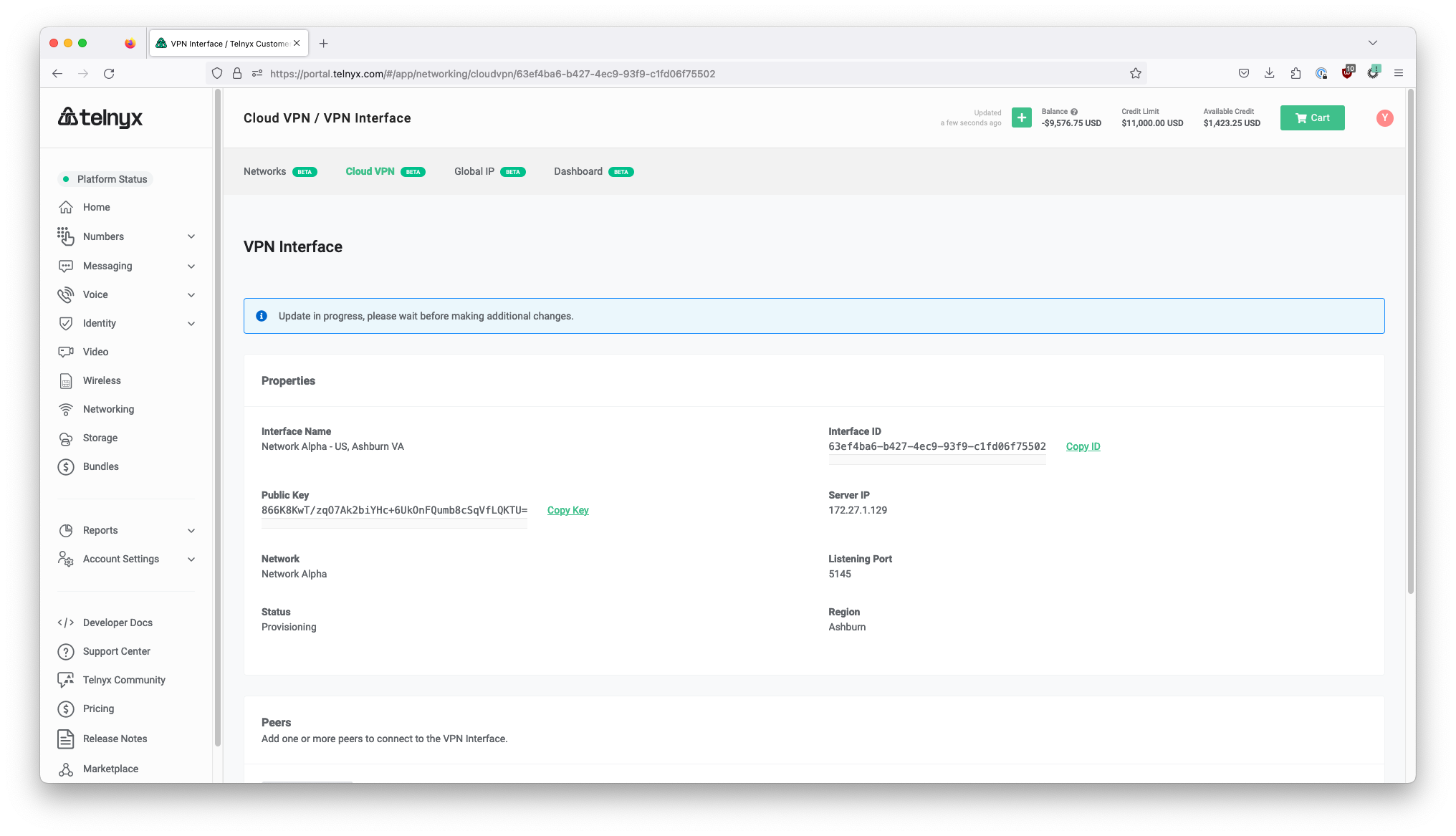
Step 3: Wait for WireGuard Interface to finish provisioning
Wireguard interface section.

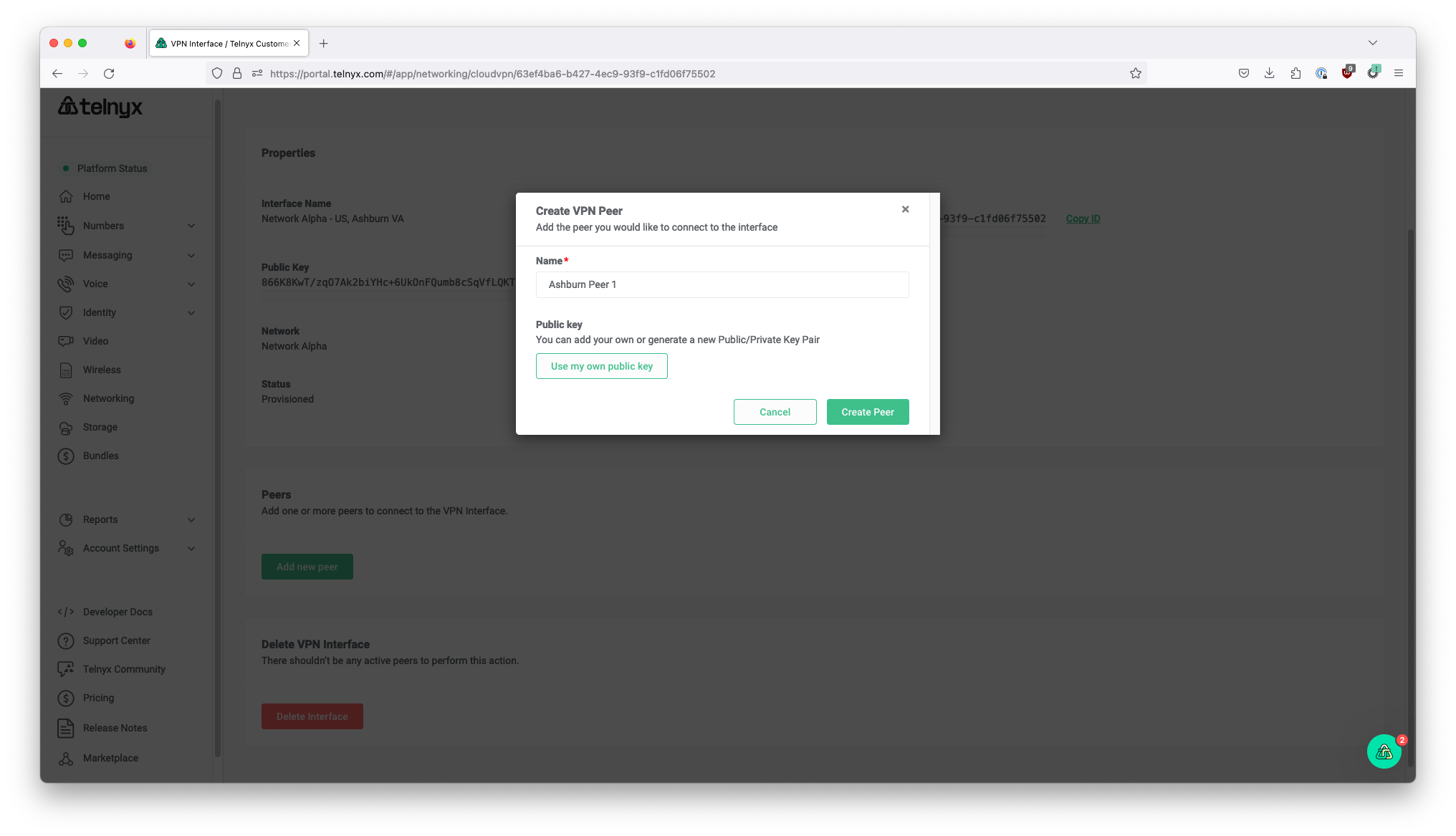
Step 4: Create a WireGuard Peer

Wireguard interface section.

Step 5: Make note of the Private Key returned
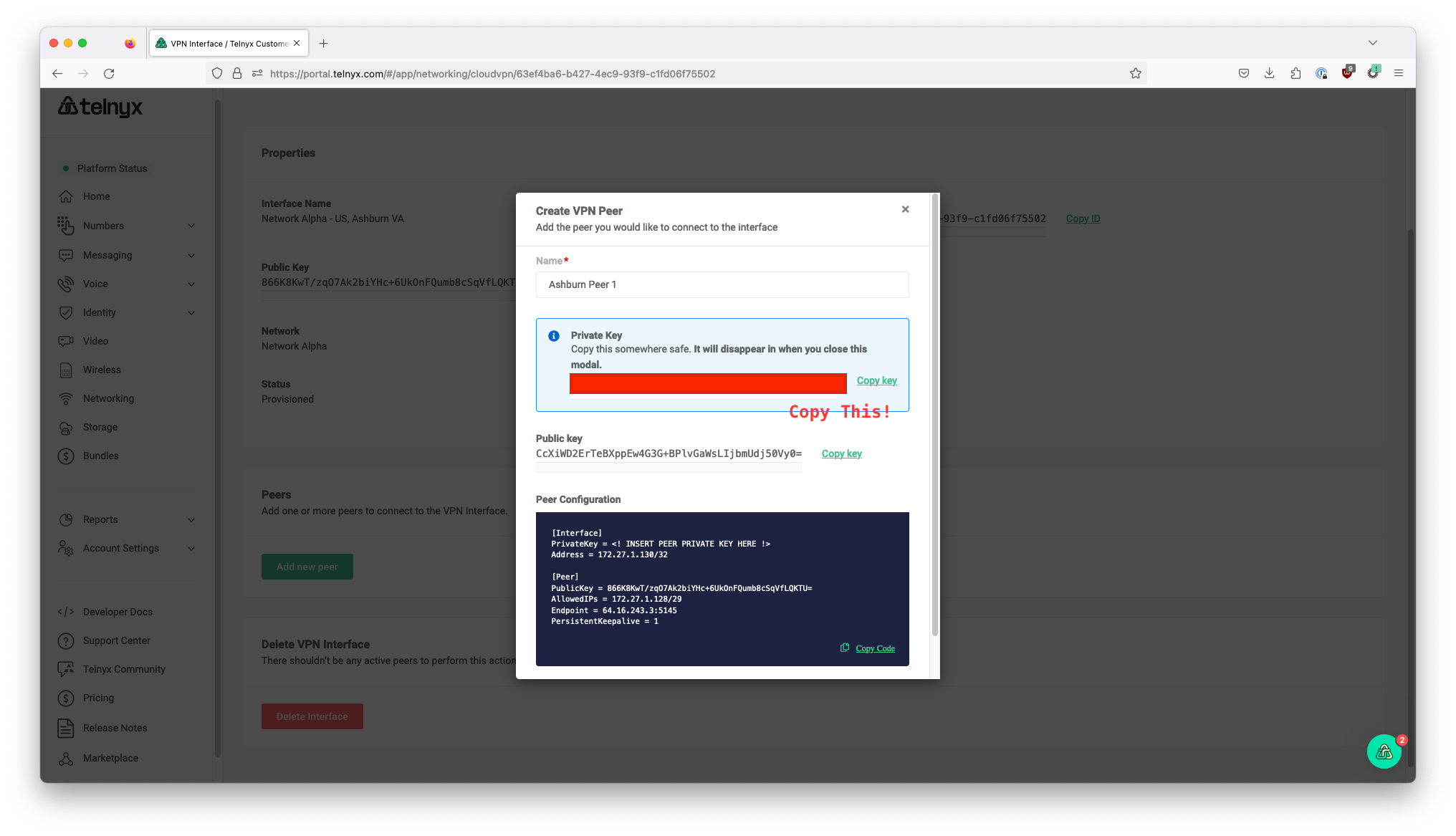
Wireguard interface section for private key.

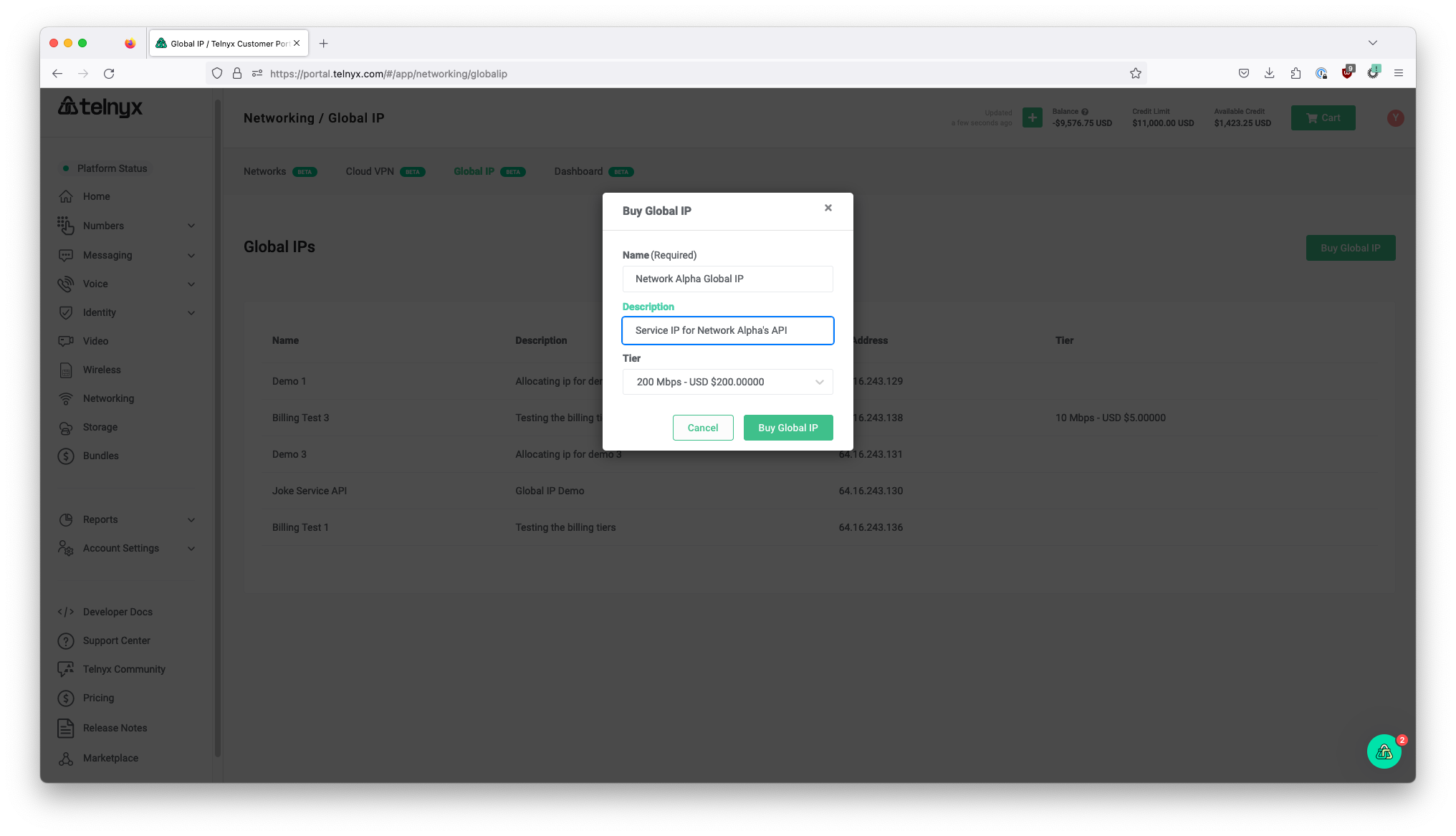
Step 6: Acquire Global IP

Wireguard interface section for global IP.

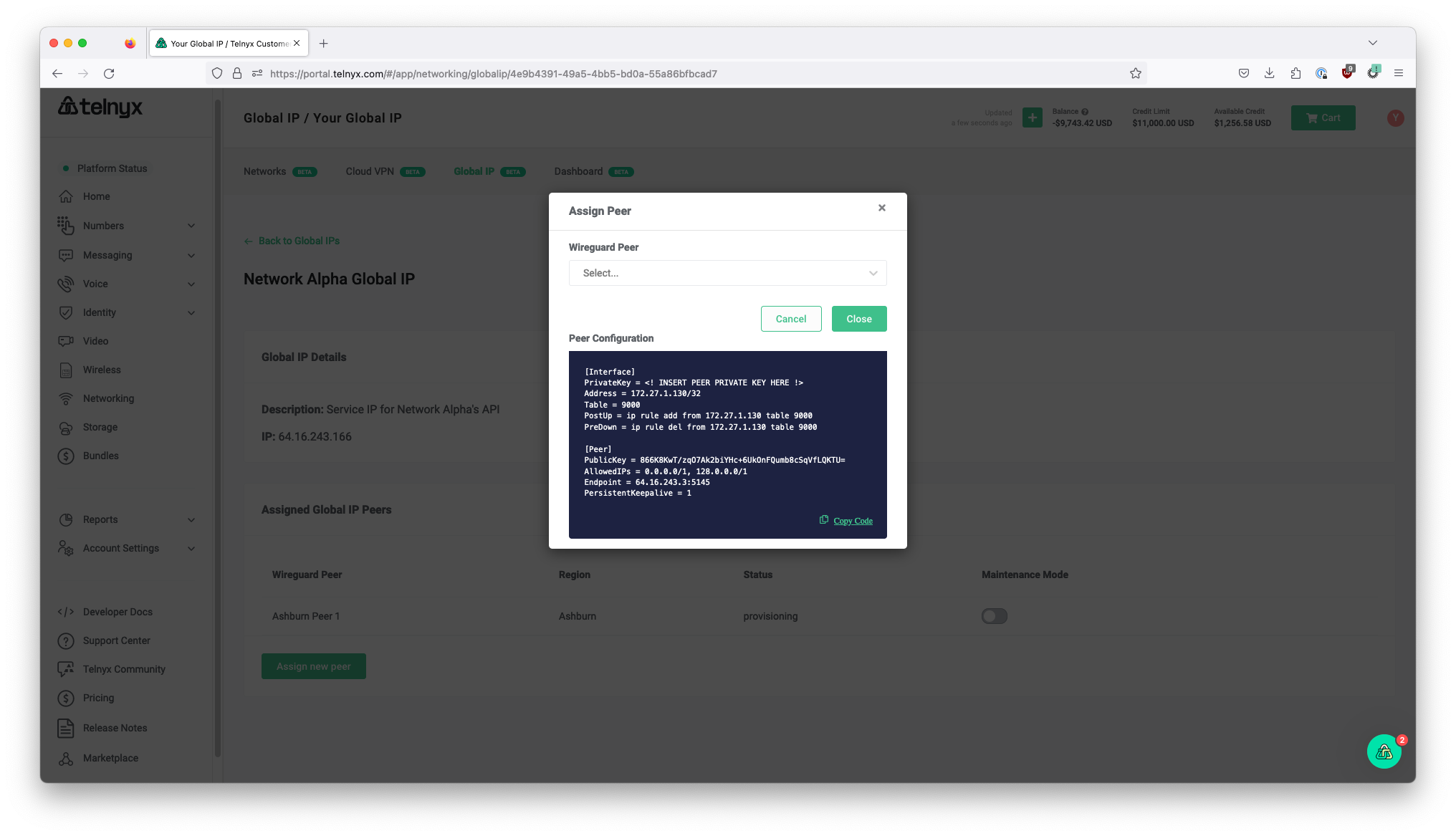
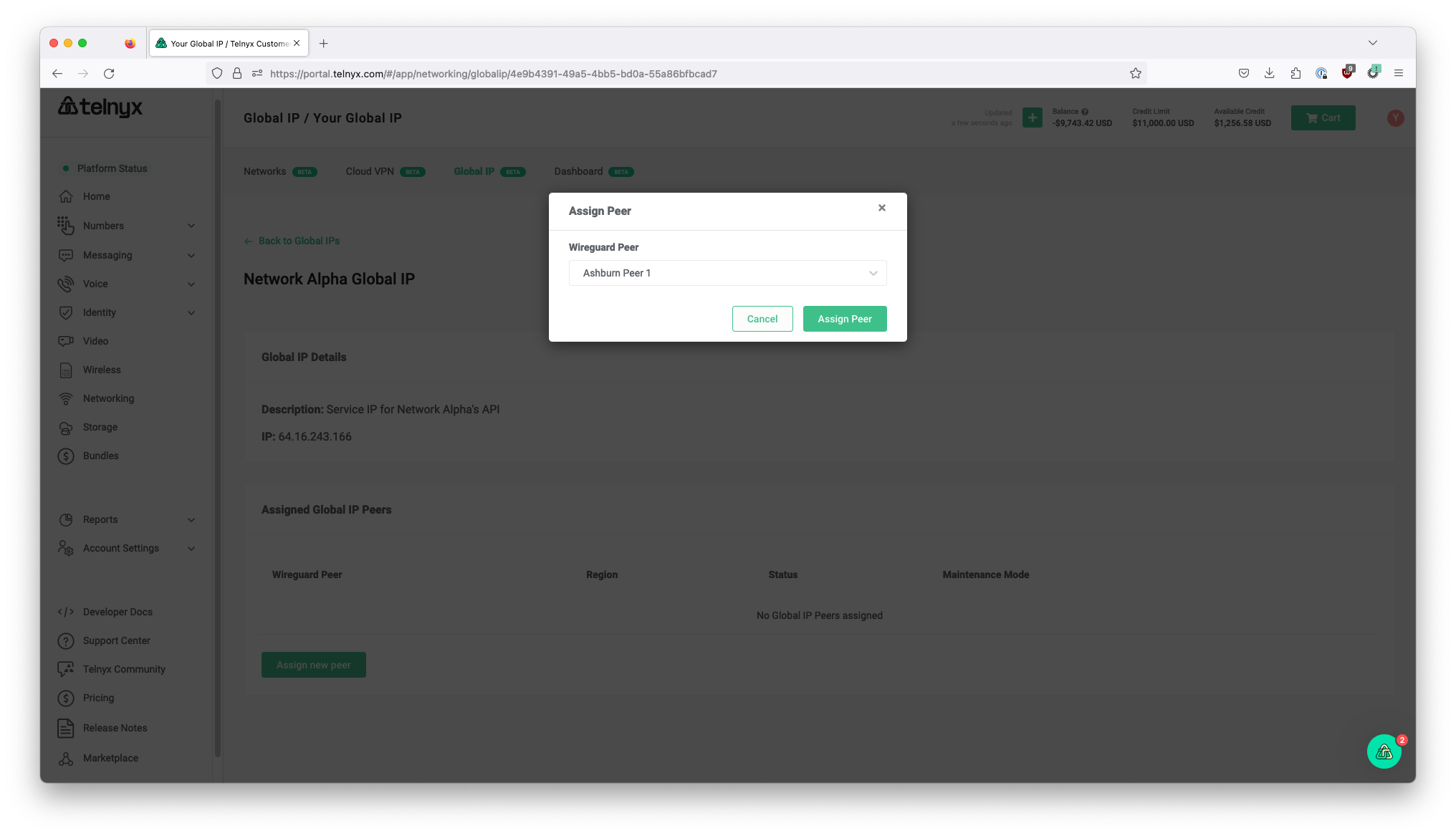
Step 7: Assign WireGuard Peer to Global IP
Wireguard interface section for Wireguard Peer.

Step 8: Copy and paste WireGuard config to service VM, using the Private Key in Step 5
Wireguard interface for service VM.

Related articles

Telnyx Networking on Android/iOSGlobal Edge Router setup using the WireGuard App for the iOS and Android mobile… See Telnyx guidance and requirements.Telnyx Networking on AWS LightsailThis guide provides a step-by-step process to deploy a Lightsail Virtual Private Server (VPS) on Amazon AWS and… See Telnyx guidance and requirements.Telnyx Networking on AWS VPCA step-by-step process to deploy a Virtual Private Server (VPS) on Amazon AWS and configure Telnyx Edge Routing to it. See Telnyx guidance and requirements.Telnyx Networking on Azure Linux VMsSetup and deploy the Telnyx Networking product on Azure Linux Virtual… See Telnyx guidance and requirements.